Tamil WhatsApp Audio Stickers Maker & Download [Comedy Dialogues]
Turn Tamil comedy dialogues, viral Shorts, and Tamil voice reactions into playable WhatsApp audio stickers—works on mobile with India (+91), Sri Lanka (+94), Singapore (+65), and global numbers.
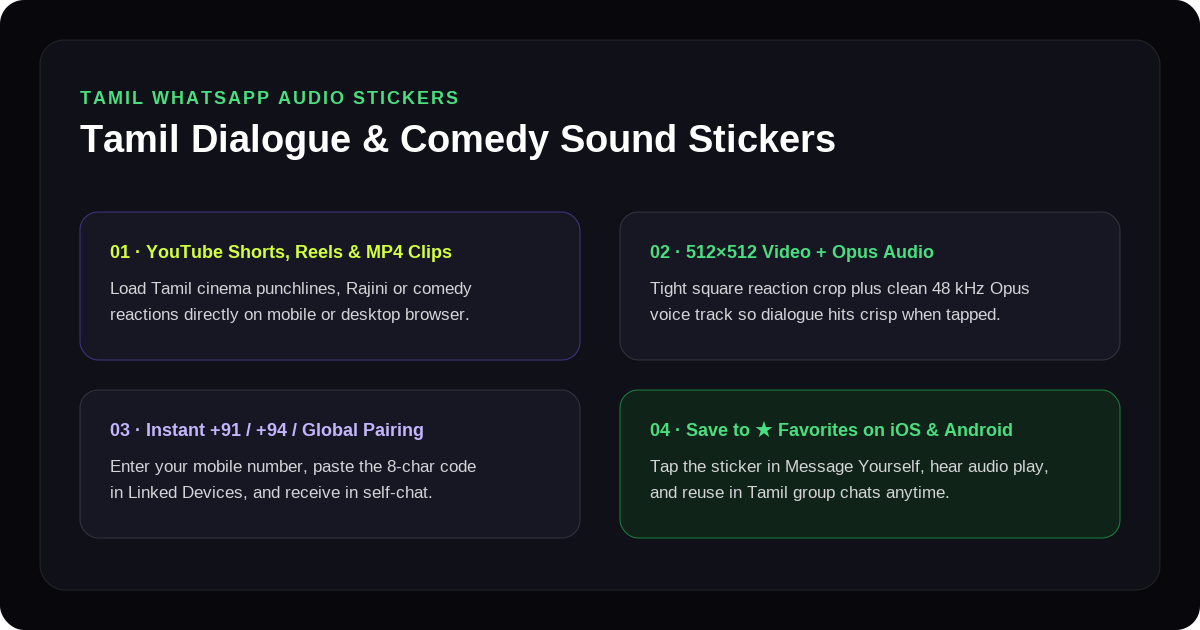
From iconic Tamil cinema punchlines to trending Tamil Instagram Reels and friend banter, nothing lands harder in a group chat than a Tamil sound sticker that talks back when tapped.
With WhatsApp Audio Sticker Maker, you do not need Android-only mod apps or sketchy Play Store packs. Load any YouTube Short, Instagram Reel, TikTok clip, or MP3/MP4 directly in your mobile or desktop browser, trim the exact dialogue, and send the finished sound sticker straight into WhatsApp.
Key Takeaways
- Built-in support for Tamil comedy videos from YouTube, TikTok, Instagram Reels, or local MP4/MP3 files.
- Outputs real 512×512 Animated WebP + 48 kHz Opus audio alongside a 5s MP4 export.
- Supports all country calling codes including India (+91), Sri Lanka (+94), Malaysia (+60), Singapore (+65), and UAE (+971).
How to make Tamil WhatsApp audio stickers in 4 quick steps
You can build and deliver a Tamil dialogue sound sticker completely free from Android Chrome, iPhone Safari, or Desktop:
- 01
Choose your Tamil comedy video or audio source
Paste a public YouTube, TikTok, or Instagram link, record your own funny Tamil voice reaction, or tap 'Upload a file' for an MP3/MP4 clip on your phone.
- 02
Trim to the exact punchline (0.4s – 5s)
Cut straight to the famous Tamil dialogue line so there is zero pause before the punchline hits.
- 03
Crop 512×512 & style your Tamil/Tanglish caption
Position the square crop box tightly over the reaction face and add crisp Tanglish/English text like 'ENNA PANNINGA' or 'VERA LEVEL'.
- 04
Send to WhatsApp & star in ★ Favorites
Tap Send Sound Sticker to WhatsApp, link using your Phone Pairing Code, play it in Message Yourself, and tap ★ Add to Favorites.
Need to See It Done on Mobile?
Check our 2:58 Mobile Walkthrough video right on the homepage—it actually demonstrates a viral Tamil sticker from file upload all the way to playing sound inside WhatsApp chat!
Frequently Asked Questions
Wrap-Up & Next Step
Making Tamil comedy audio stickers takes under a minute and works straight inside the standard WhatsApp app on both Android and iPhone.
Grab your favorite Tamil meme video or voice line and test sending one to Message Yourself right now.
Make Your Tamil Sound Sticker Pack
Create custom Tamil dialogue stickers with real audio—or explore viral sound stickers ready to send immediately.